๐Ÿ“‹macOS Utility

RogerThat

Remember Everything
You Copy

A privacy-first clipboard manager for macOS. No Subscriptions, No Cloud Sync, just instant access to everything you copy.

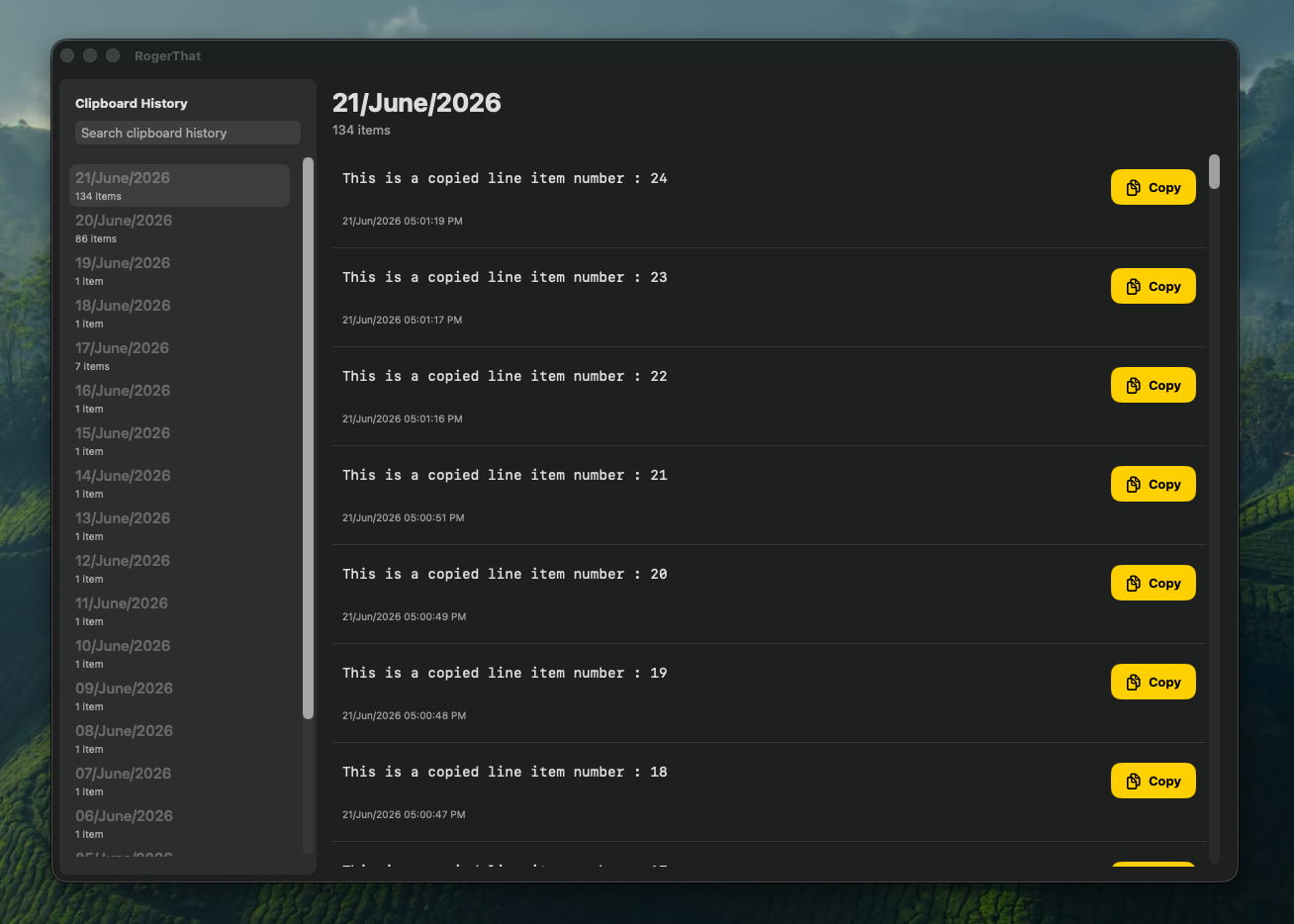
RogerThat clipboard manager - Dock App main dashboard view

Designed for Engineers

Simple, fast, and efficient clipboard management

Dual Access โ€” Dock & Menu Bar

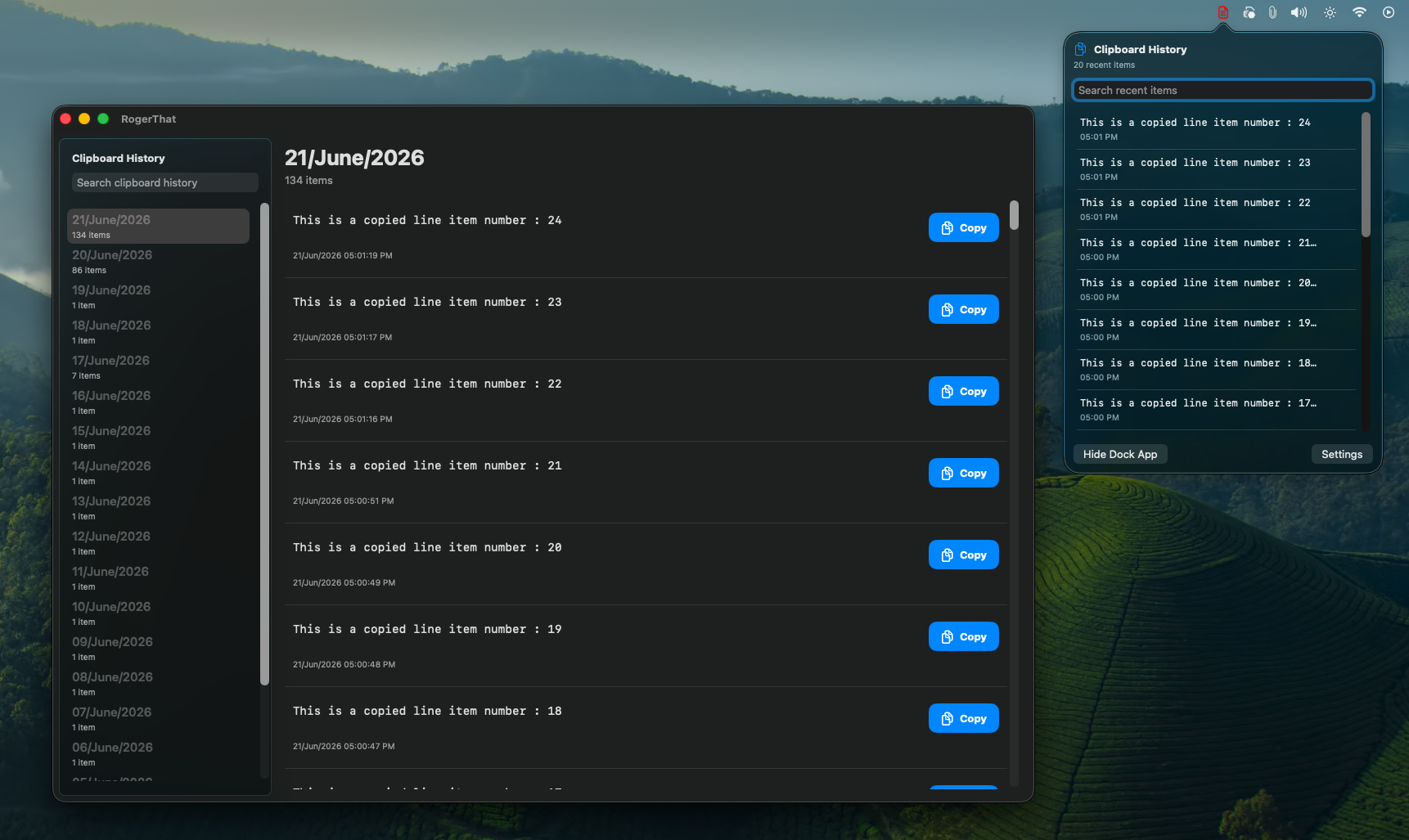
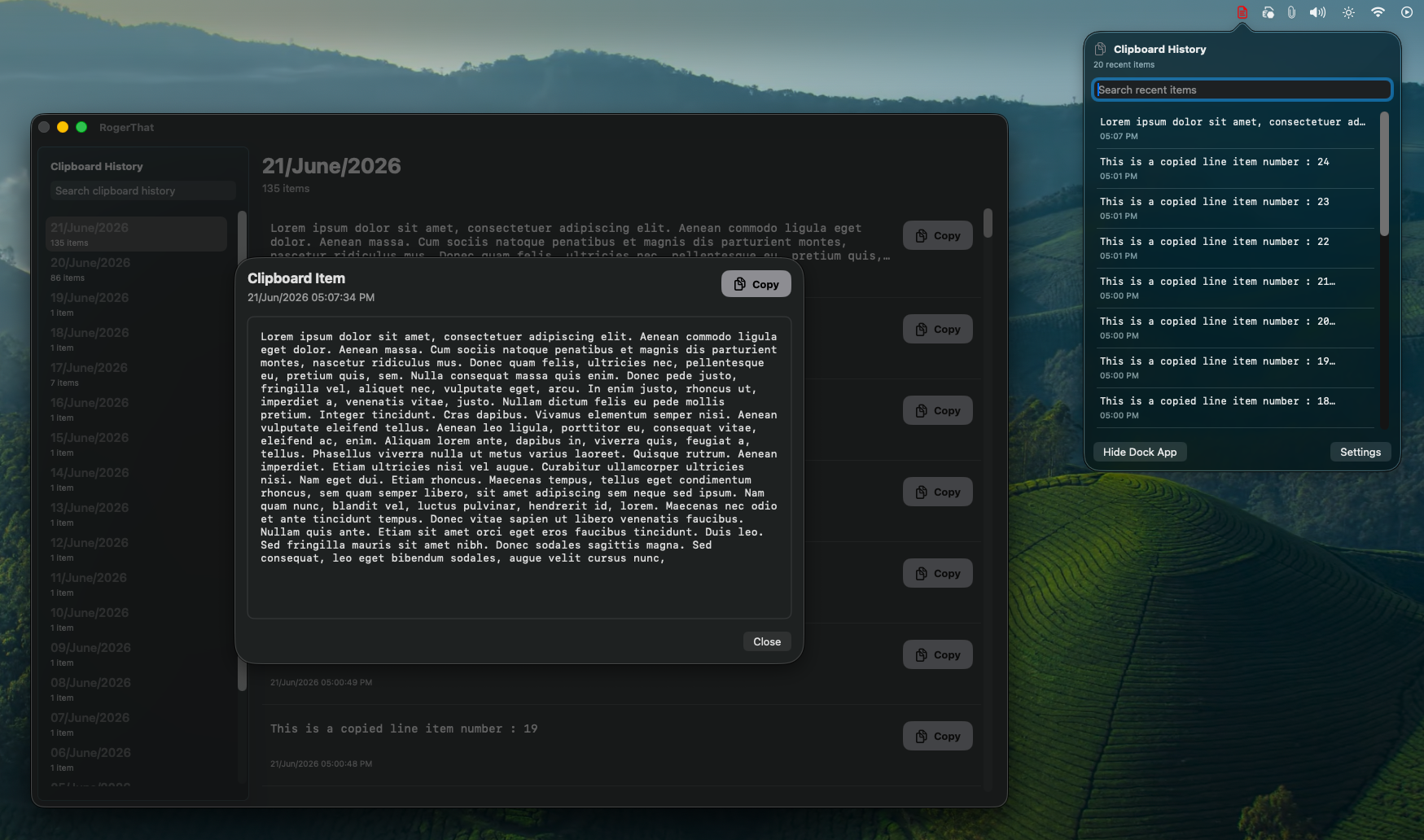
Access your clipboard history two ways: the full-featured Dock app for deep exploration, or the lightning-fast Menu Bar popover for quick grabs. Choose what fits your workflow.

  • Full Dock app with searchable Explorer dashboard
  • Compact Menu Bar popover for quick access
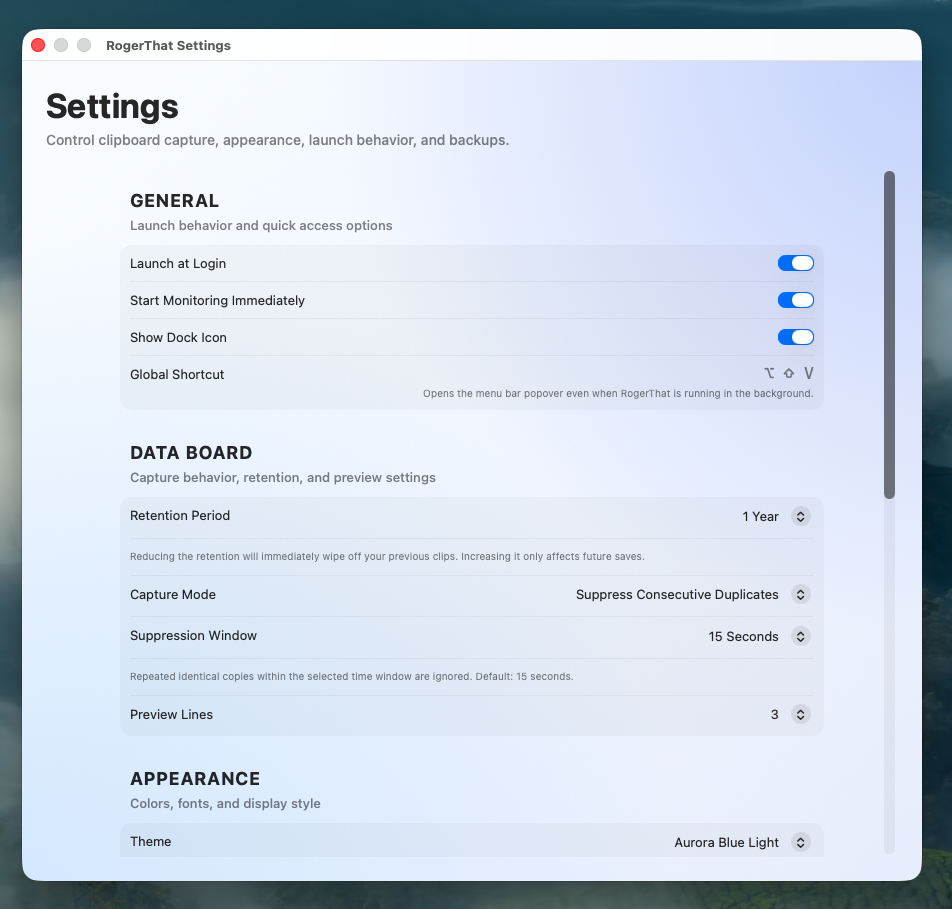
  • Global keyboard shortcut for instant launch
  • Switch between views seamlessly
RogerThat showing both Dock App and Menu Bar popover side by side

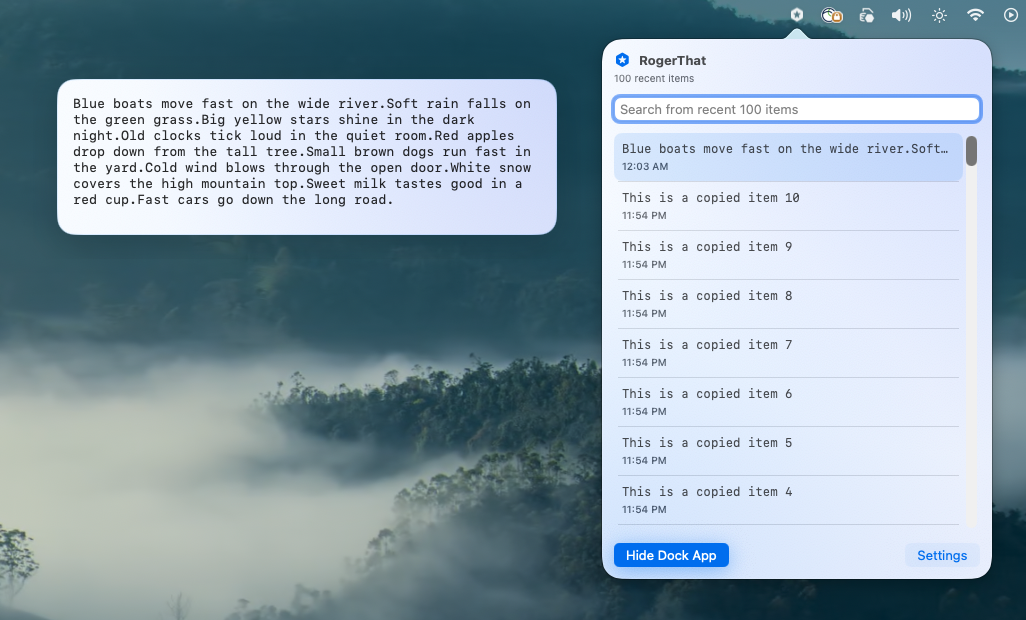
Quick Menu Bar Access

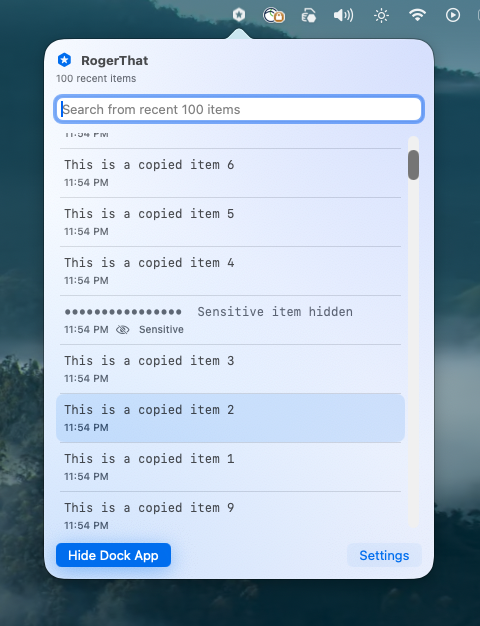
Click the menu bar icon and your recent clips appear instantly. No context switching, no window juggling โ€” just hover, click, and paste.

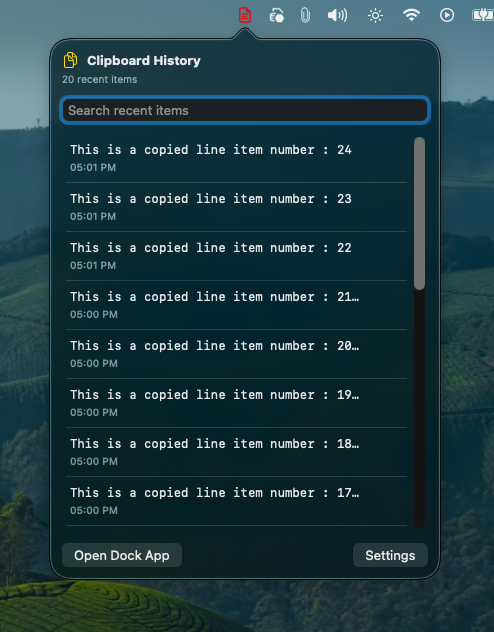
  • Appears as a compact popover near the menu bar
  • Shows your most recent clipboard items
  • One-click to copy any item back to clipboard
  • Preview content without opening the full app
RogerThat Menu Bar popover showing recent clipboard items

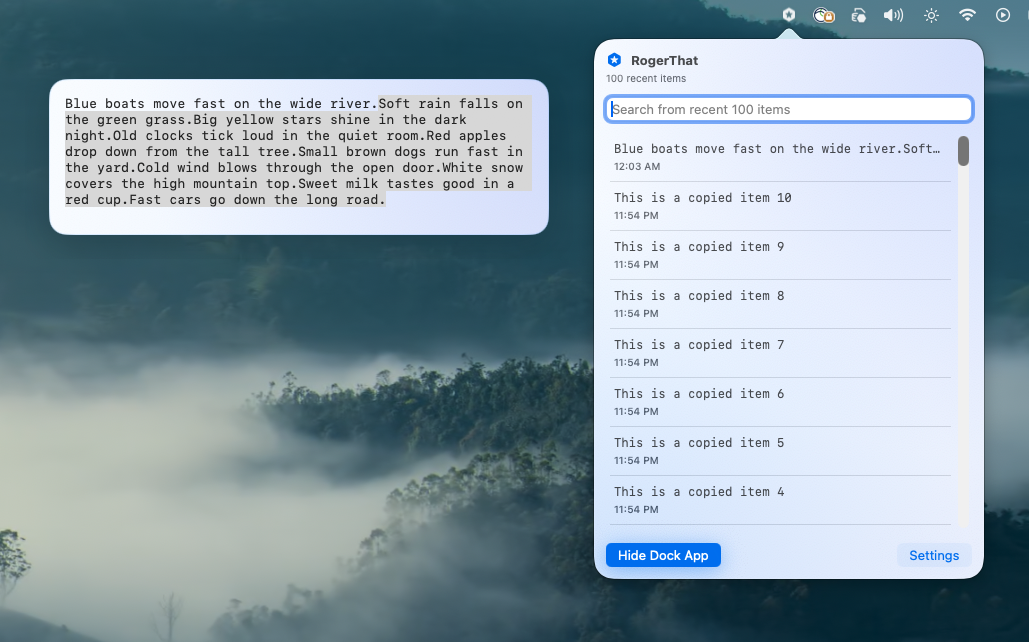
Instant Global Search

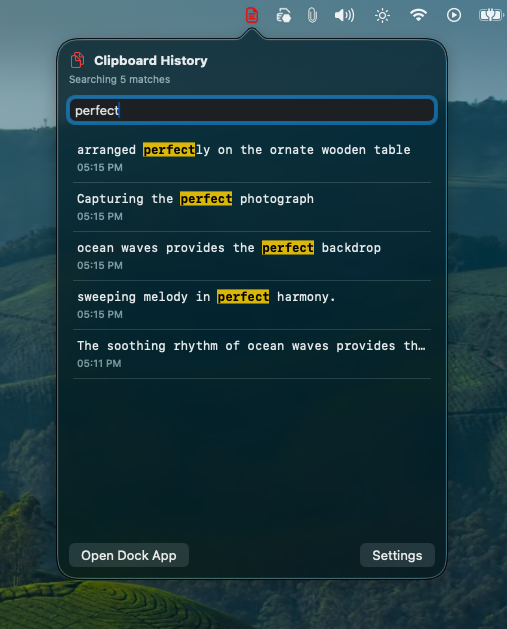
Search through your entire clipboard history in milliseconds. Whether it's a URL you copied last week or a code snippet from yesterday โ€” find it instantly.

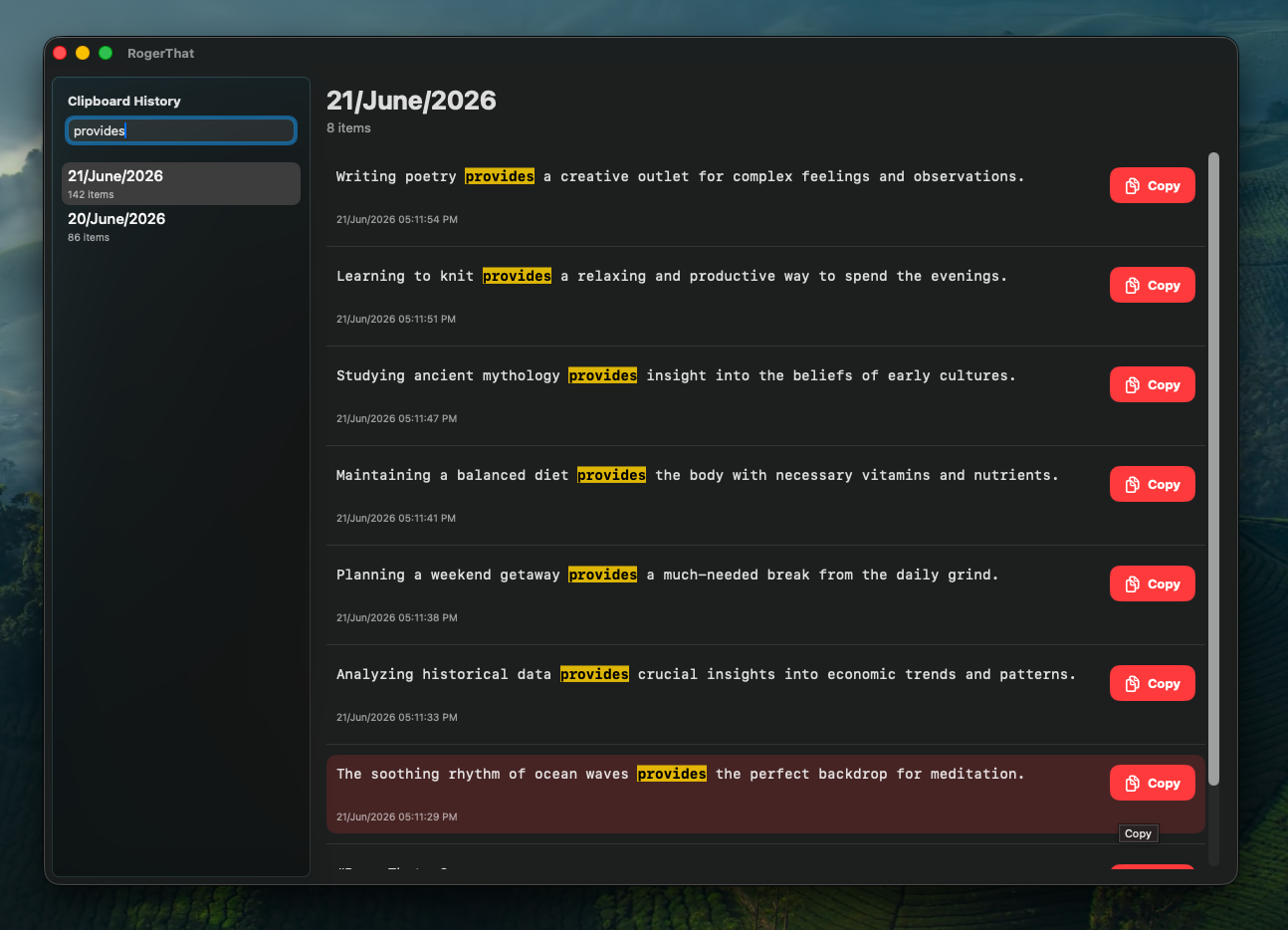
  • Full-text search across all clipboard history
  • Search from Dock app or Menu Bar
  • Filter through thousands of items in real-time
  • Never lose a copied link or snippet again
RogerThat Dock App search interface filtering clipboard history

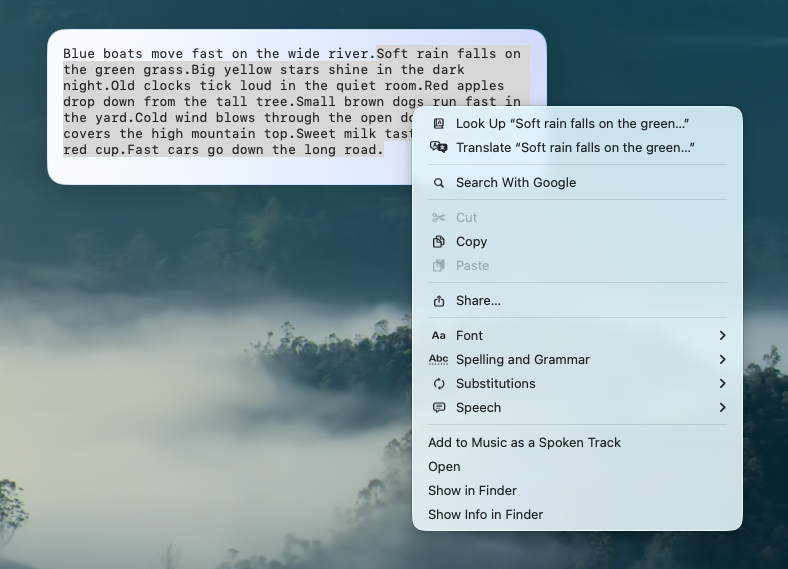
Expand & Preview Content

Double-click any item to see its full content. Whether it's a massive code block, a long URL, or an entire article โ€” see exactly what you copied without guessing.

  • Full content preview with scrollable view
  • Select specific text from previewed content
  • Right-click context menu for more actions
  • Works for code snippets, URLs, and long text
Expanded view of a copied item showing full content preview

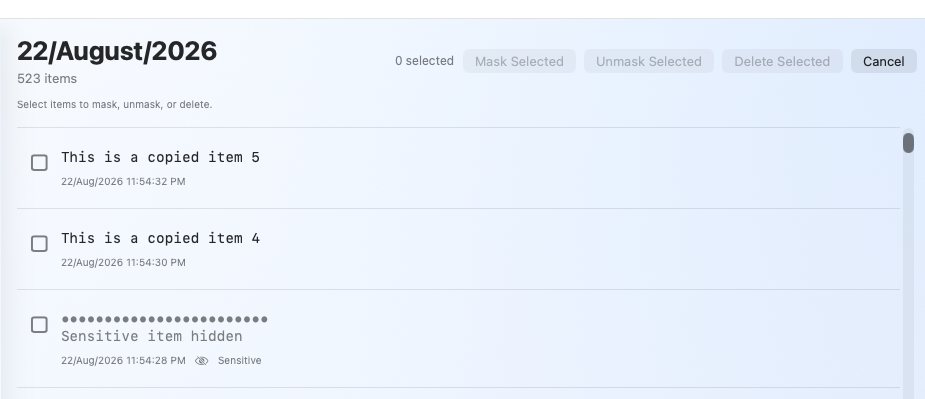
Sensitive Text Protection

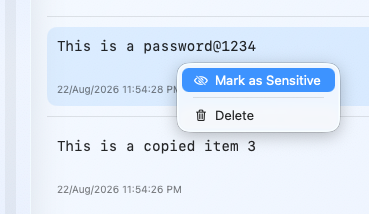
Mark any clipboard item as sensitive to visually mask it in the interface. Prevent accidental exposure of passwords, API keys, and private data while keeping them accessible.

  • One-click sensitive item masking
  • Content hidden in Explorer and Menu Bar preview
  • Reveal, copy, or delete masked items anytime
  • Visual privacy for shared screens and demos
RogerThat sensitive text masking feature protecting private content

Beautiful Themes

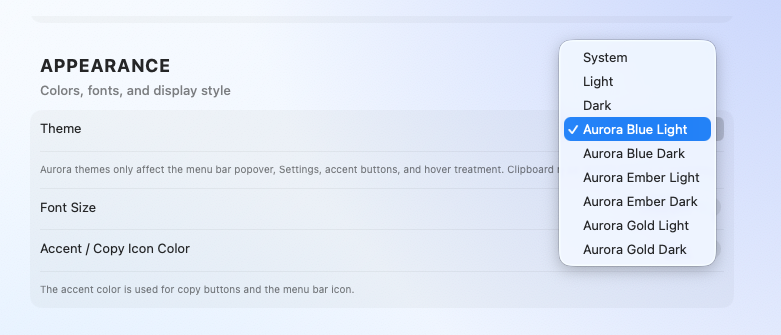
Choose from Light, Dark, and Aurora themes to match your macOS aesthetic. RogerThat feels native and beautiful in every environment.

  • Light theme for bright workspaces
  • Dark theme for late-night coding
  • Aurora theme for a unique aesthetic
  • Seamless integration with macOS appearance
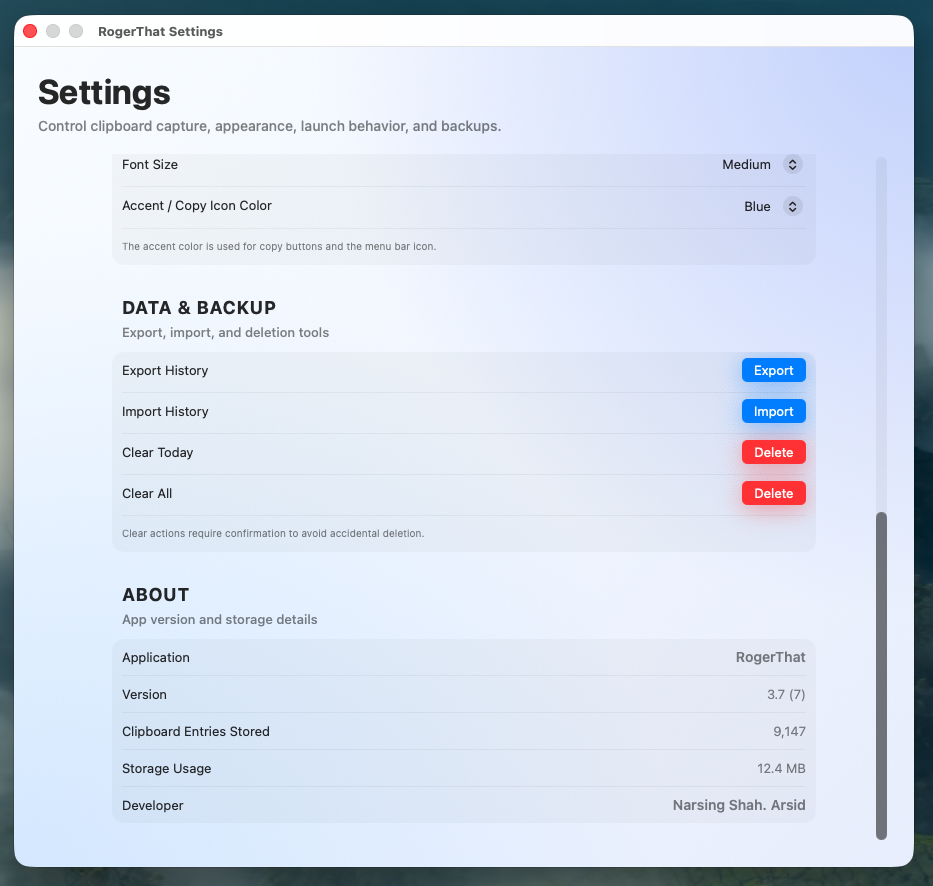
RogerThat multiple theme options - Light, Dark, and Aurora
1 Year
Clipboard History
Unlimited
Copies
100% Local
No Cloud
Free
No Subscriptions
"

Why I Built It

I often lost copied content while working on documentation and technical tasks.

Existing clipboard managers were either paid, overly complex, or focused on cloud features I didn't want or trust with my secure data.

RogerThat focuses on one thing: remembering everything you copy, instantly and securely.

I wanted a simple tool that respects privacy, works offline, and is actually useful for engineers, developers, and professionals who live in the terminal and code editors.

N
Narsing Shah
Creator of RogerThat

RogerThat app icon

Ready to Never Lose a Copy Again?

Download RogerThat and take control of your clipboard. Privacy-first, lightning-fast, and beautifully designed for macOS.

Requires macOS 13.0 (Ventura) or later ยท Free ยท No in-app purchases